LEDs
OLEM has a total of 6 RGB leds with 1 at each vertex. They can be used to light up areas under OLEM. Their index can be seen in the picture below:
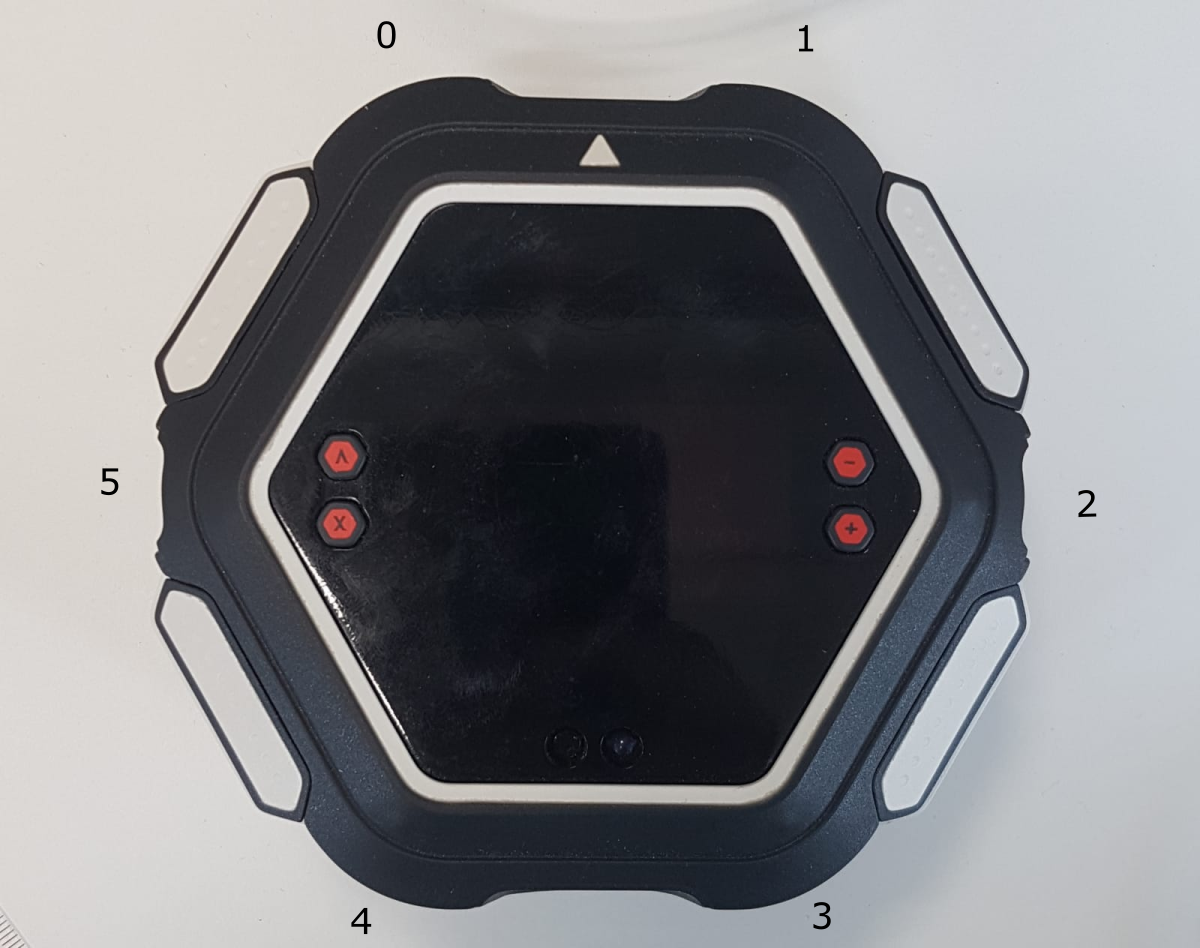
Each led can be controlled individually. For most functions, we use masks to select leds. The masks are on 6 bits, 1 per led, with bit n corresponding to led n. So a mask equal to 0x01 selects led 0 while a mask of 0x1A selects led 5, 4 and 2. The module comes with constants for each led and for all of them.
Colors are specified as hexstrings in the format : “#RRGGBB” with black=”#000000” and white=”#FFFFFF”
Various effects can be applied to the leds :
Blink alternates between 2 colors, see led_blink().
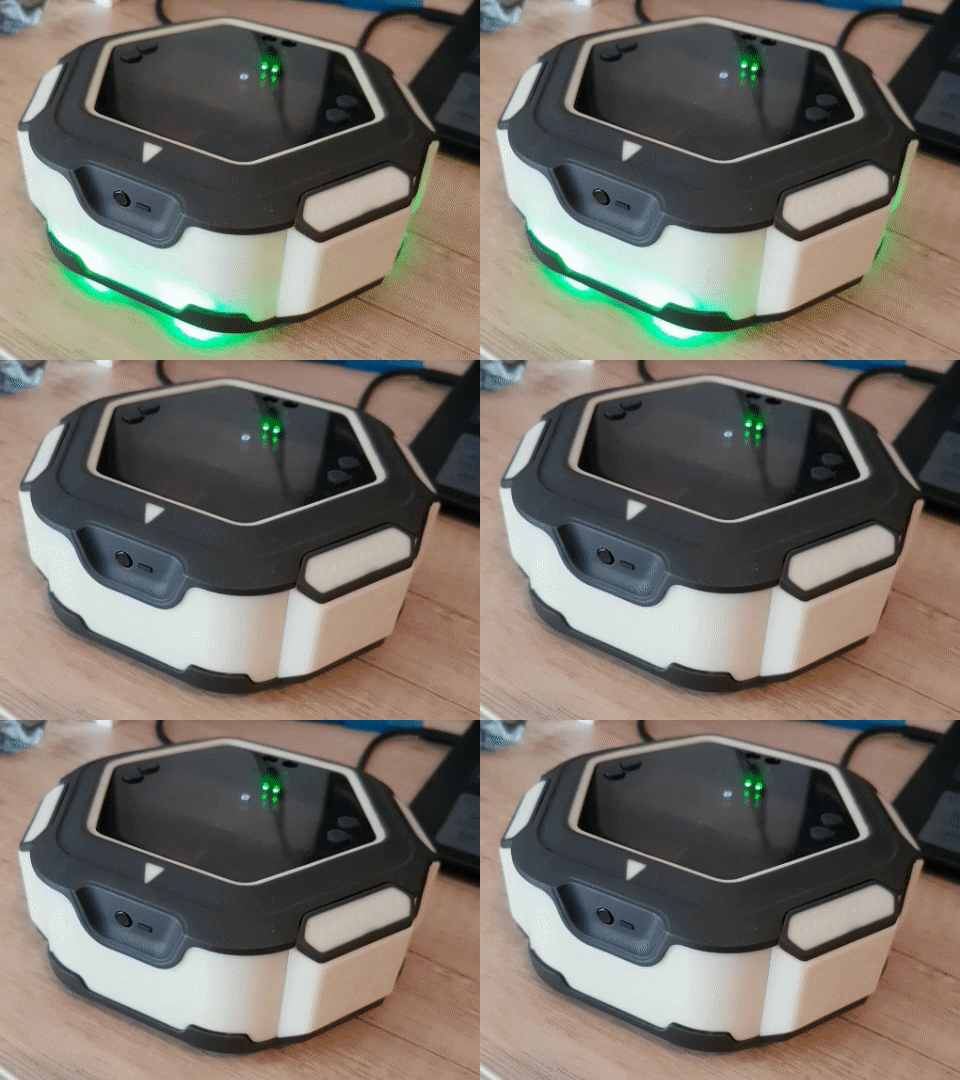
Transition is used to change the led color smoothly, see led_transition().

Pulse alternates smoothly between 2 colors, see led_pulse().
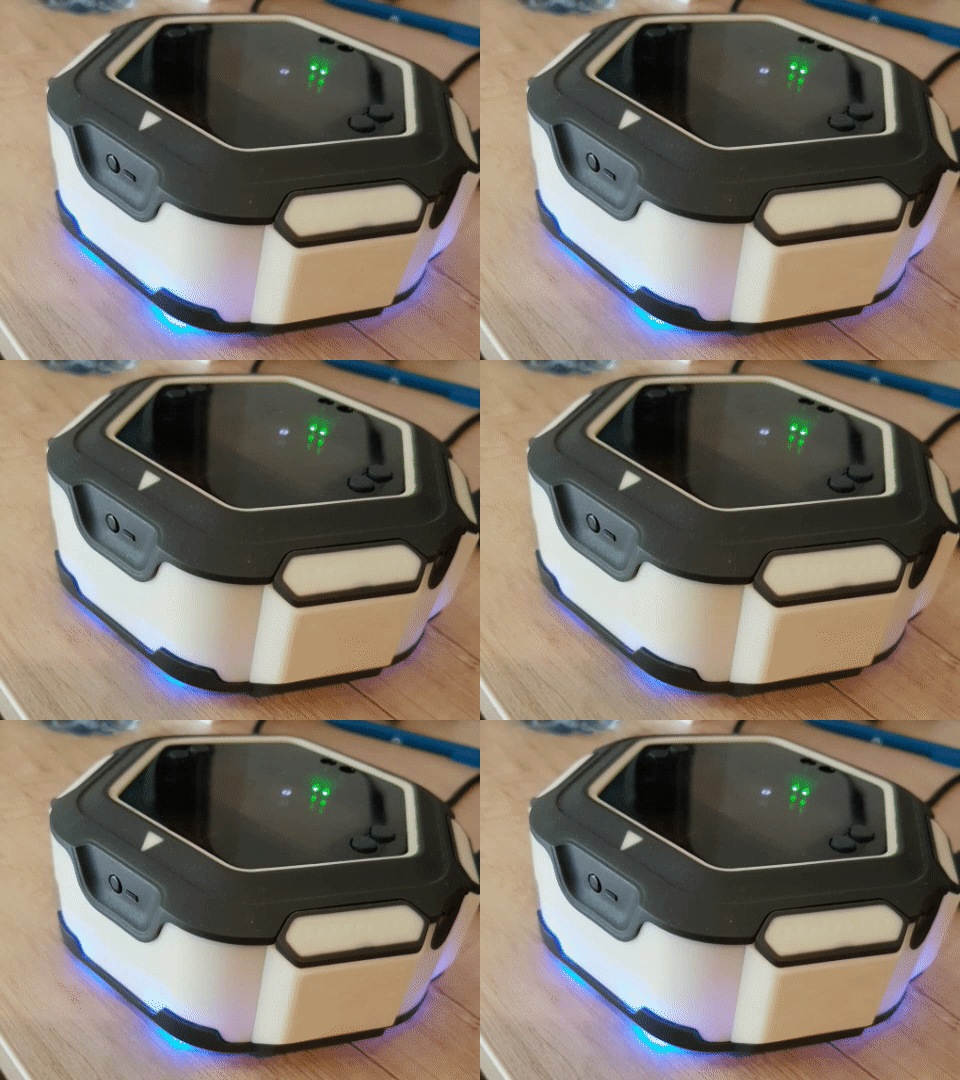
Flickering is used to add noise to a color, see led_flicker().
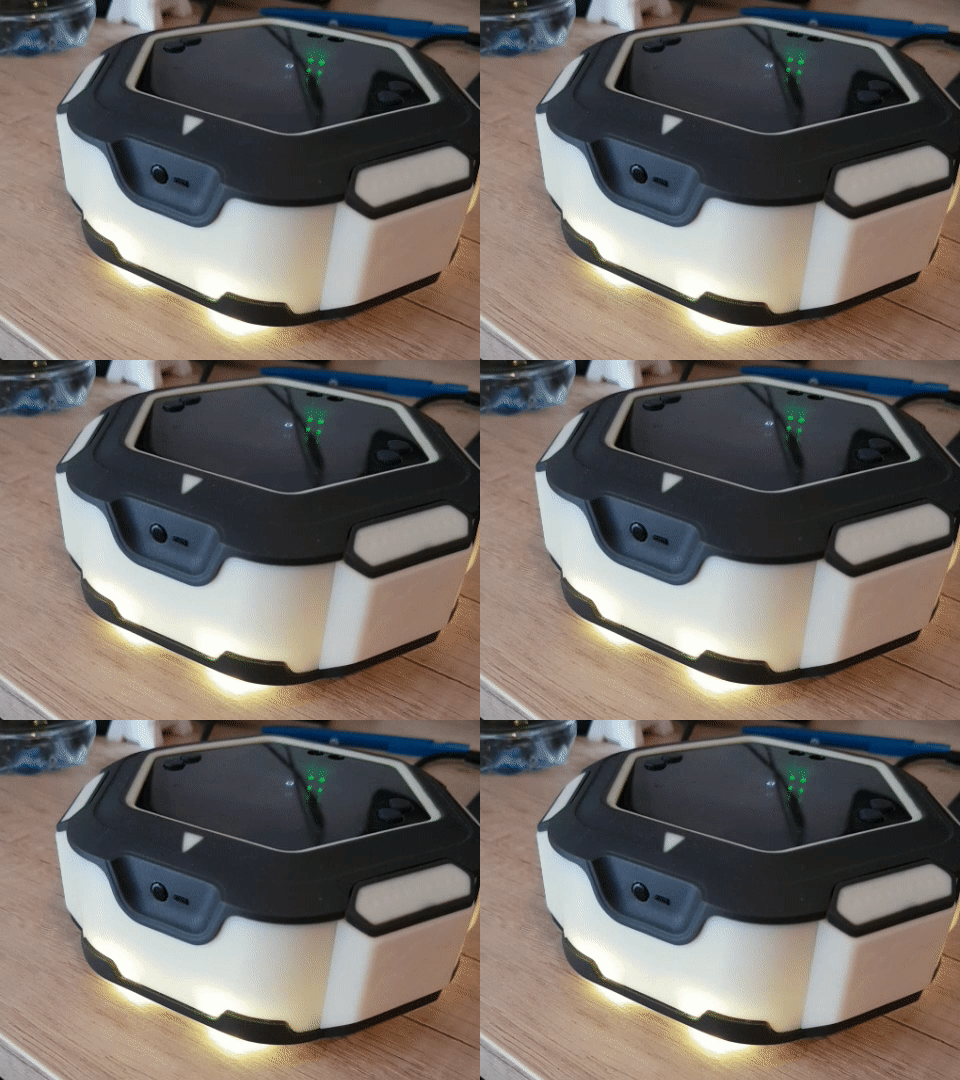
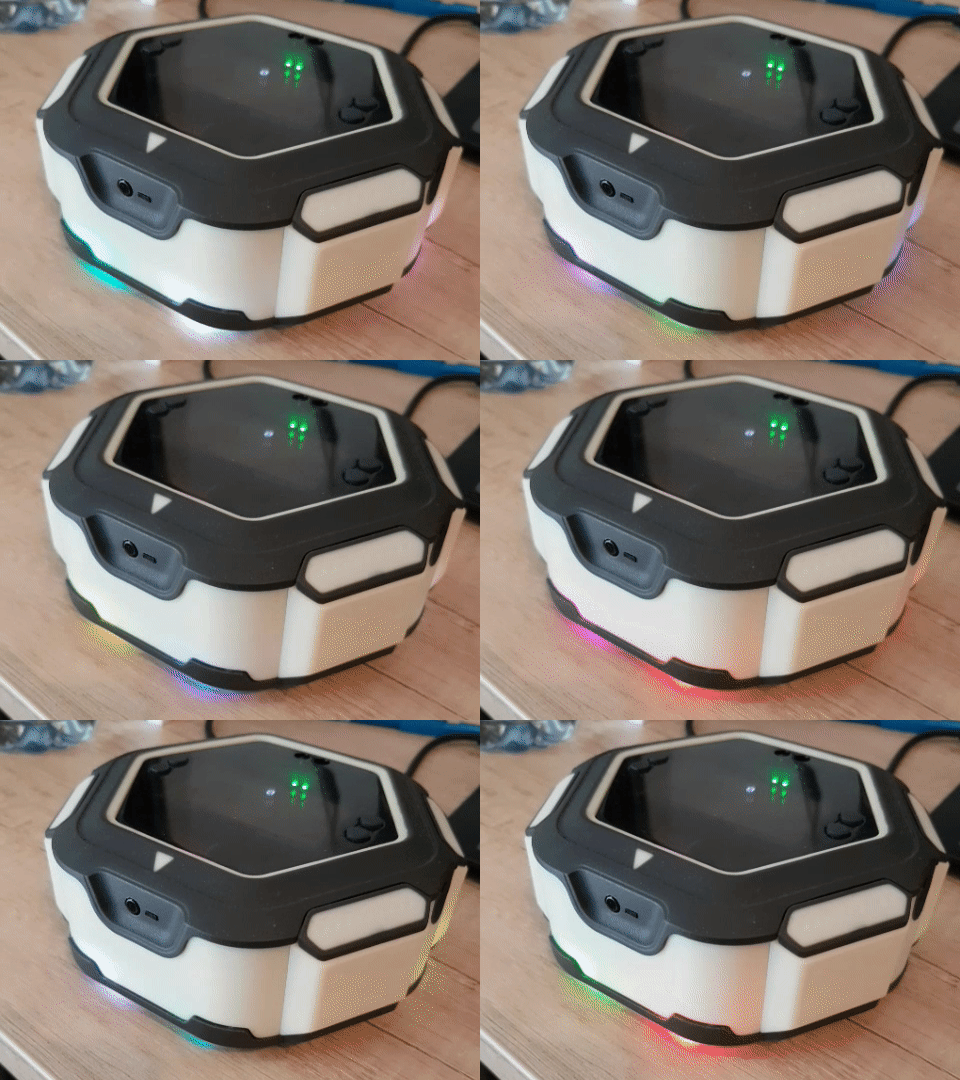
Shifting transfers the configuration of each led to its neighbour, see led_shifting().
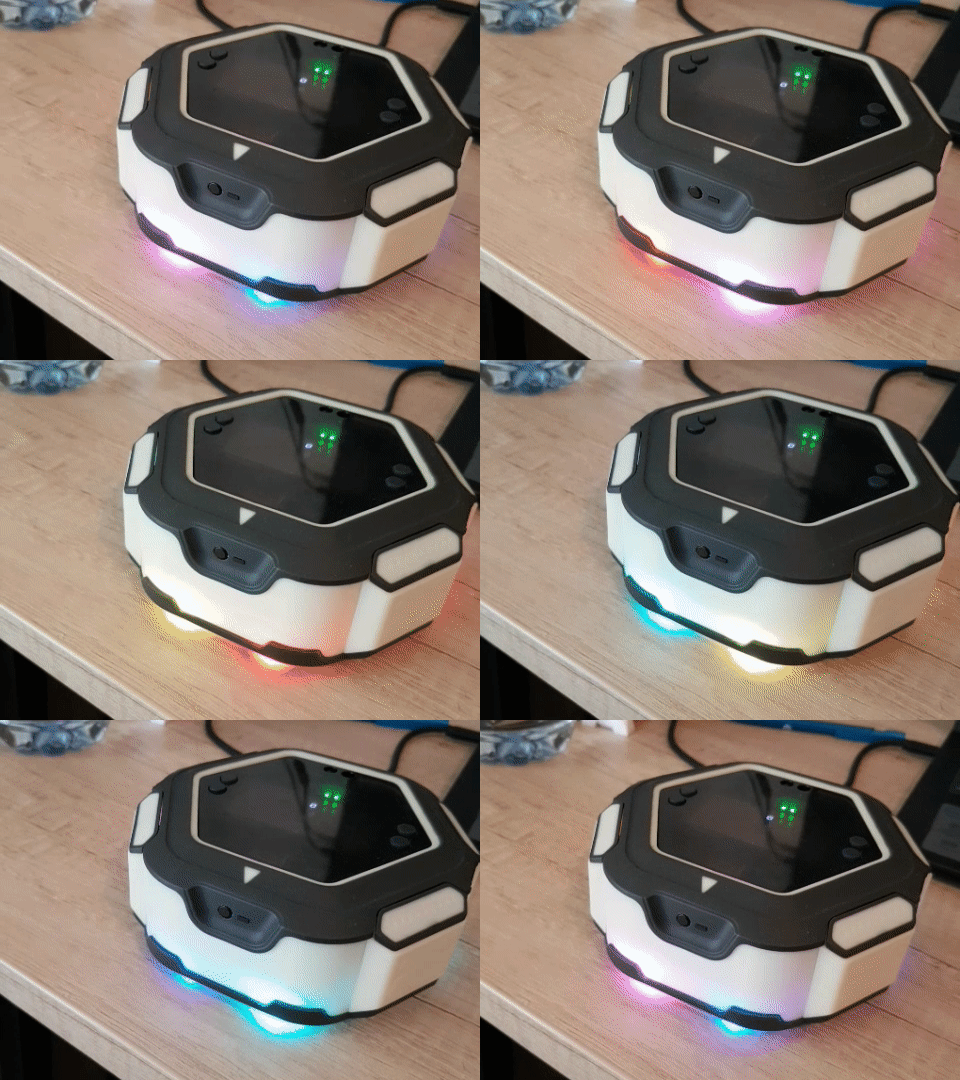
Examples
Masks
Each LED is turned on alone, then two at a time.
import olem

print("Begin leds mask test")
print("Turn on each led for 1000 ms")
mask = 1
for i in range(6):
    print(mask)
    olem.led_on(mask, "#FFFFFF")
    olem.delay_ms(1000)
    olem.led_off(olem.LEDALL)
    mask = mask * 2

print("2 leds at once")
olem.led_on(olem.LED1 | olem.LED3, "#FFFFFF")
olem.delay_ms(1000)
olem.led_on(olem.LED0 | olem.LED5, "#FFFFFF")
olem.delay_ms(1000)
olem.led_on(olem.LED2 | olem.LED4, "#FFFFFF")
olem.delay_ms(1000)

print("End leds mask test")
Effects
Each effect is shown 3 times, slower each time.
import olem

print("Testing visual effects")

time_step = 1000
for i in range(3):
    period = time_step * (i + 1)

    print("\ton")
    olem.led_on(olem.LEDALL, "#0000FF")
    olem.delay_ms(period * 3)

    print("\toff")
    olem.led_off(olem.LEDALL)
    olem.delay_ms(period * 3)

    print("\ttransition")
    olem.led_transition(olem.LEDALL, period, "#FFFF00")
    olem.delay_ms(period * 3)

    print("\tpulse")
    olem.led_pulse(olem.LEDALL, period, "#00FFFF")
    olem.delay_ms(period * 3)

    print("\tblink")
    olem.led_blink(olem.LEDALL, period, "#FF00FF")
    olem.delay_ms(period * 3)

print("End of led testing")
Shifting and flickering
import olem

# Two LEDs of different colors turn around OLEM
olem.led_off(olem.LEDALL)
olem.led_on(olem.LED0, "#FF0000")
olem.led_on(olem.LED3, "#0000FF")
olem.led_shifting(200, 0)
olem.delay_ms(5000)
olem.led_shifting_off()

# A pulse with some noise on top, like a flame
olem.led_pulse(olem.LEDALL, 2000, "#FF6000")
olem.led_flicker(olem.LEDALL, "#402000")
olem.delay_ms(5000)
olem.led_flicker_off(olem.LEDALL)
olem.led_off(olem.LEDALL)
Constants and functions
Constants
| Constant | Value | Description |
|---|---|---|
LED0 | 1 | Mask of LED 0. |
LED1 | 2 | Mask of LED 1. |
LED2 | 4 | Mask of LED 2. |
LED3 | 8 | Mask of LED 3. |
LED4 | 16 | Mask of LED 4. |
LED5 | 32 | Mask of LED 5. |
LEDALL | 63 | Mask of all the LEDs. |
led_on(mask, hexcolor)
Turn LEDs on with a fixed color.
| Parameter | Description |
|---|---|
mask | LEDs to use, combine LED0 to LED5 with |, or use LEDALL |
hexcolor | color as a "#RRGGBB" string |
led_off(mask)
Turn LEDs off.
| Parameter | Description |
|---|---|
mask | LEDs to use, combine LED0 to LED5 with |, or use LEDALL |
led_pulse(mask, period, hexcolor)
Make LEDs pulse: they fade smoothly in and out of the color.
| Parameter | Description |
|---|---|
mask | LEDs to use, combine LED0 to LED5 with |, or use LEDALL |
period | pulse period in ms |
hexcolor | color as a "#RRGGBB" string |
led_blink(mask, period, hexcolor)
Make LEDs blink: they switch between the color and off.
| Parameter | Description |
|---|---|
mask | LEDs to use, combine LED0 to LED5 with |, or use LEDALL |
period | blink period in ms |
hexcolor | color as a "#RRGGBB" string |
led_transition(mask, duration, hexcolor)
Change the color of LEDs smoothly, from their current color to the new one.
| Parameter | Description |
|---|---|
mask | LEDs to use, combine LED0 to LED5 with |, or use LEDALL |
duration | duration of the transition in ms |
hexcolor | new color as a "#RRGGBB" string |
led_flicker(mask, intensity)
Add random noise to the color of LEDs, on top of their current effect: it can be used while LEDs are pulsing for example.
At each refresh, a random value of up to +/- half of the intensity is added to each color component. For example led_flicker(LEDALL, "#100020") adds up to +/- 8 to the red and up to +/- 16 to the blue of all the LEDs.
| Parameter | Description |
|---|---|
mask | LEDs to use, combine LED0 to LED5 with |, or use LEDALL |
intensity | noise intensity of each component as a "#RRGGBB" string |
led_flicker_off(mask)
Stop the noise added with led_flicker().
| Parameter | Description |
|---|---|
mask | LEDs to use, combine LED0 to LED5 with |, or use LEDALL |
led_shifting(period, direction)
Periodically move the configuration of each LED to its neighbour, so that the LED pattern turns around OLEM.
| Parameter | Description |
|---|---|
period | time between two shifts in ms |
direction | 0 to shift from left to right, 1 from right to left |
led_shifting_off()
Stop the shifting started with led_shifting().